어쨌든 해내는 코딩 일기

  • 홈
  • Java script
  • React
  • Python
  • Html 및 Css
  • 방명록
  • 태그

Button 2

[html&css] 폭 width, 가운데 정렬 mx-auto, 크기에 맞게 이미지 조절img-fluid

css 파일에서 width :80% 입력하면 왼쪽부터 80임. #main{ background-color: whitesmoke; width: 80%;}  bootstrap에서 margin 검색m은 margin이고 x로 left and right 조절, auto로중앙으로 -> main에 클래스 만들기맨 마지막 줄 main 옆에 class="mx-auto" 입력 bootstrap에서 image검색fluid가 붙으면 이미지를 감싸고 있는 div 태그의 크기를 따라감.container는 12등분이고, img 위에 div.col-6을 입력해서 div태그로 img 감싼다.항상 img는 6/12가 되도록 fluid 할 것임.지금까지 결과알게된 점: class 만들고 싶으면  div.이름..
Html & Css 2024.11.24

[html] bootstrap 이용해서 button 꾸미기

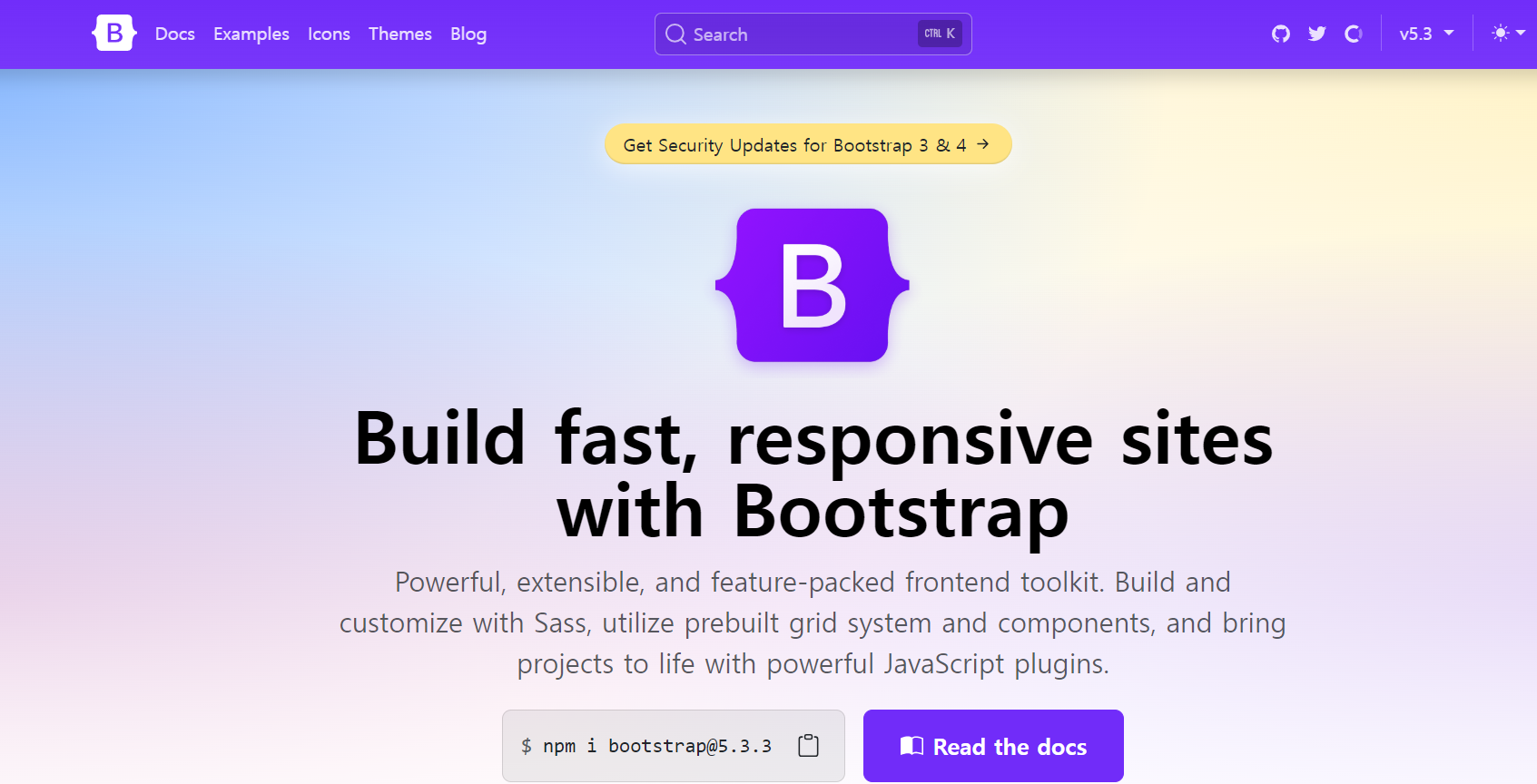
https://getbootstrap.com/ BootstrapPowerful, extensible, and feature-packed frontend toolkit. Build and customize with Sass, utilize prebuilt grid system and components, and bring projects to life with powerful JavaScript plugins.getbootstrap.com 부트 스트랩 사용 이유: 모바일, pc 모두 적용되는 반응형 웹사이트 제작 위해 1)read the docs 클릭2)css 부분을 긁어서 head에 넣어주기이런식으로 이미 짜여진 코드를 자유자재로 이용할 수 있어서 시간을 아낄 수 있음! 3) button을 입력한 다음 ..

Html & Css 2024.11.24
이전
1
다음
더보기
프로필사진

어쨌든 해내는 코딩 일기

20대 후반 비전공자의 웹 개발 독학 이야기

  • 분류 전체보기 (36)
    • Java script (7)
    • React (10)
    • Python (11)
    • Html & Css (8)
    • 프로젝트 아카이브 (0)

Tag

파이썬독학, 오블완, 웹개발, programming, 웹디자인, Github, for함수, 자바스크립트, HTML, 파이썬클래스, 티스토리챌린지, 프로그래밍독학, CSS, python class, javascript, 파이썬, react, 개발자, 리액트, Python,

최근글과 인기글

  • 최근글
  • 인기글

최근댓글

공지사항

페이스북 트위터 플러그인

  • Facebook
  • Twitter

Archives

Calendar

«   2026/02   »
일 월 화 수 목 금 토
1 2 3 4 5 6 7
8 9 10 11 12 13 14
15 16 17 18 19 20 21
22 23 24 25 26 27 28

방문자수Total

  • Today :
  • Yesterday :

Copyright © AXZ Corp. All rights reserved.

티스토리툴바